
Fixed Ad Widget on Site’s Footer
There are various different places on your site/blog where you can put the ad code in WordPress site. Each and every place has its own importance. Some parts of site are much better for more clicks on ads while others are waste less and people don’t click. In my previous post, i wrote about different ad networks including Google Adsense, Chitika, Media ads, Kontera, infolinks etc.
Out of the different ad places on blog, Fixed Ad under the mobile view of site is very much popular. Comparatively others, this ad always has 3 times more click as i also experimented on my site earlier.
Note: Fixed ads are strictly prohibited by google and its against its policy. I am not responsible for anything as you are own responsible.
Also See:
Adding Fixed Ad Widget on Site’s Footer in Mobile View
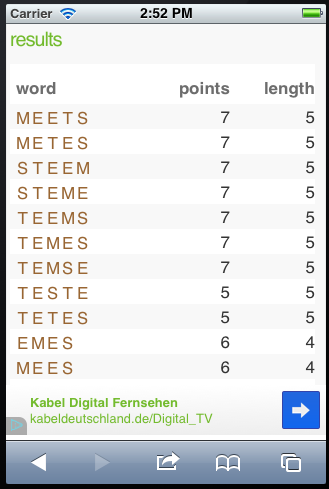
#1. First of all, log-in to the site’s dashboard.
#2. Go to Appearance >> Edit CSS.
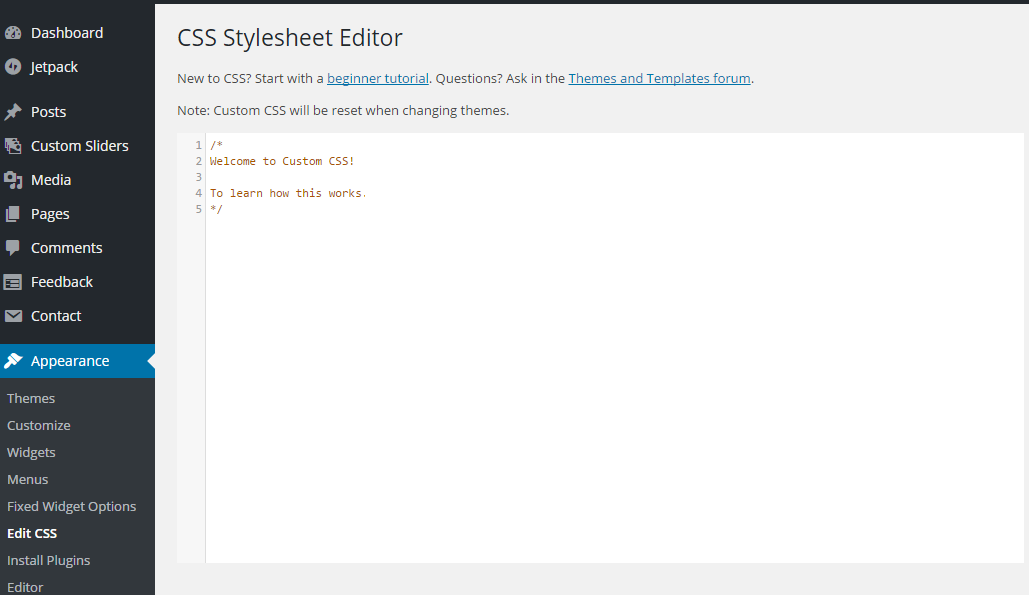
#3. Now copy and paste the below code in the bottom and save it.
@media only screen and (min-width: 300px) and (max-width:500px) { #footer {
   position: fixed;
   left: 0;
   bottom: 0;
   height: 50px;
   width: 100%;
   background: #999;
  }
 }
/* IE 6 */
 * html #footer {
  position: absolute;
  top: expression((0-(footer.offsetHeight)+(document.documentElement.clientHeight ? document.documentElement.clientHeight : document.body.clientHeight)+(ignoreMe = document.documentElement.scrollTop ? document.documentElement.scrollTop : document.body.scrollTop))+'px');
 }
#4. Then move to Appearance >> Editor.
#5. From the right side, open “footer.php” file.
#6. Click Ctrl + F and search for [highlight color=”orange”][/highlight].
#7. Then paste the following code just before the </body>.
<div id 'footer'>
your ad code
 </div>
#8. Change “your ad code” with your the code that you want to add in the bottom of your WordPress site/blog.
#9. Click Save and Enjoy! 🙂
In case you have any query regarding, adding Fixed Ad Widget on Site’s Footer in Mobile View of WordPress website. You can also follow us on Facebook, Google+ and Twitter.


